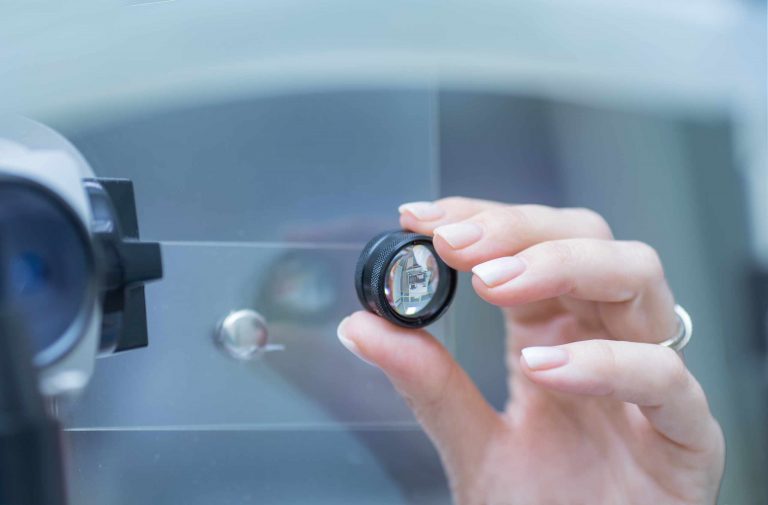
A convex lens can be at the correct distance from an object and still produce nothing visible on the screen. The problem may not be focus at all. If the object, center of the lens, and screen are not positioned along the same optical axis, the image can form above, below, or beside the area where you are looking.
Light from each point on an object passes through the lens and is redirected toward a corresponding point in the image. Tilting the lens or raising one component changes that path. The rays may still converge, but they no longer arrive at the center of the white card. Moving the screen forward and backward will not solve this because the screen is searching along the wrong line.
Misalignment can also create an image that looks partly sharp. One edge may come into focus while the other remains blurred, or the image may appear stretched and difficult to center. This often happens when the lens and screen are not parallel. It can be mistaken for poor lens quality, even though the setup only needs a small positional correction.
Use a printed target, convex lens, white card, and ruler on a stable table. Place the center of every component at approximately the same height. Look from the side to check their vertical positions, then look from above to check that they form a straight line. Keep the target and lens fixed while moving only the screen slowly along that line.
If no image appears, widen the search before changing the distances. Move the card slightly upward, downward, left, and right while keeping its distance from the lens nearly constant. A faint or partial image appearing near one edge shows that the rays are reaching the screen but the optical axis is offset. Recenter the card and adjust the lens holder until the image falls near the middle.
After centering the image, fine-tune the focus with small forward and backward movements. Record the object distance, lens position, screen position, and approximate component heights. Then deliberately raise the lens a little and observe where the image moves. Returning the lens to its recorded position demonstrates how strongly alignment affects the result.
Before blaming focal length or replacing a lens, inspect the setup from more than one angle. Check that each component is stable, centered, upright, and facing the next one directly. A screen that shows no image may be only a few centimeters away from the actual light path, and random distance changes can push the setup even farther from a clear result.